
Why Your Phone Never Really Sleeps: The Secret Life of Background Apps
Your phone is resting on the table with the screen down. The screen is black. There is no noise in the room. Then, out of nowhere, a subtle vibration interrupts the silence, followed by the sound of a notification that you know all too well. You flip the phone over, and there it is: a message from a buddy that was sent right away and is now waiting for you as if it had been standing at your door.
How did it find out? How did it get here so rapidly when your phone was perfectly still just a second ago?
It’s a small thing that happens to us thousands of times a day without us even thinking about it. But in that normal silence is something quietly amazing: a world of activity going on just below the surface, always there but never seen. Your phone is never really resting, just like individuals working quietly backstage while the stage looks vacant. Even when you’re not paying attention.
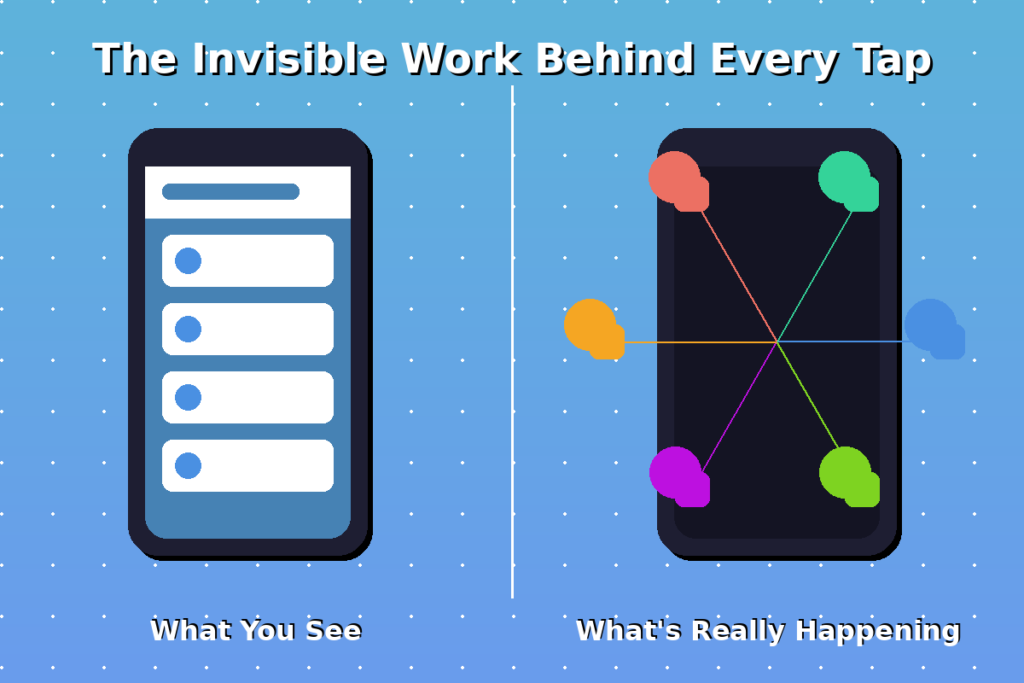
Your Phone Never Truly Sleeps
It seems like everything stops when you push the power button and the screen goes dark. The light goes off. The colours go away. A quiet settles in. You might imagine that your phone has gone to sleep and is resting till you wake it up again.
But that’s not what really happens.
Imagine it like a house at night. The lights are off. There is no one in the living room. But up there, someone is still awake. They are reading softly, listening for sounds, and ready to respond if they need to. The outside of the house looks quiet, but there is a presence inside. A willingness.
That’s your phone when the screen goes black. Apps that operate in the background keep listening, checking, and getting ready all the time, but not loudly or visibly. Your messaging apps are still able to connect to the internet. Your email is still looking for fresh messages. Your music app keeps track of where you stopped your song. Your mapping app remembers where you are, so you don’t have to ask for directions again.
When the screen is off, that doesn’t mean it’s not working. It merely means you can’t see it.
What “Background” Really Means
The word “background” is easy to understand, but it has a lovely meaning when we think about how smartphones can do more than one thing at once.
When an app is in the background, it implies that it’s not on your screen anymore. You may have moved on to something else or turned off your screen, but the app is still open. It’s still there, still running, and still doing things, but in a quieter way. Not in the front, but still there. Set.
It’s like leaving a book open on your bedside table. It’s there, waiting for you to read it again at the same page you left it. You don’t have to look for your place again. You don’t have to start anew. The book recalls.
Most of us don’t even notice when background apps on iPhones and Android phones do this. But it’s one of the most important parts of modern phones. It’s what makes everything feel so quick, ready, and sensitive to our wants.
The Backstage of Your Phone
Think about seeing a play. You can see the actors on stage, the lighting, and the set. Everything looks great, in sync, and alive. But you can’t see the backstage, which is what you’re not supposed to see.
There is a large team of folks operating behind the curtain. Someone is getting the next set ready. Someone else is getting the lights ready for the next scene. The sound engineer is getting the music ready. The costume designer is making sure that the next outfit is ready. All of this is going on while you are paying attention to what is in front of you.
The same goes for your phone.
The app you are currently using is the stage. But behind it, in the background, a huge team of other apps is silently getting things done. Your messaging apps are checking for new messages. The forecast in your weather app is being updated. Your calendar is getting ready to send you reminders for tomorrow. The photo app is putting together the photographs you took earlier today.
This is what background app activity is: the work that happens in the background that makes your phone feel smart, alert, and ready for anything you need.
Why Apps Need to Stay Awake
You might be wondering why programs even operate in the background. Why can’t they just shut down and start up again when you need them?
The solution is simple: it’s you.
You want apps to be ready, so they keep active in the background. You want your communications to come right away, not five minutes after someone sends them. You want your music to pick up right where you left off, not start again from the beginning. You want your fitness tracker to count your steps even when you’re not looking at it.
Background apps are what make your phone seem like it’s paying attention to you, even when you’re not.
Think about alerts. You don’t want to have to open the app and wait for the message to download when your friend sends you a message. You want it to come right away, with a sound, a vibration, and a small banner on your screen. That only happens when your messaging app was open in the background, connected to the internet, and listening for new messages.
Or consider email. Your phone checks your email every so often throughout the day, not because you told it to at that particular moment, but because it knows you want to know. It syncs in the background without making a sound, so when you finally open your email app, everything is already there, fresh and up to date.
These are the acts of service that happen every day, but you can’t see them. They are the reason why apps run in the background without you having to worry about it.
How Background Apps Save You Time
Most people don’t know this, but background activities on phones can save you a lot of time.
What if every app really closed when you left it? Every time you launched your messaging app, it would have to reconnect to the internet, refresh all of your chats, download new messages, and rebuild your interface. Every time you launched your music app, it would have to start over by finding your playlist, remembering your settings, and finding your last song.
It would be quite tiring.
Apps stay open in the background, so it seems like opening them right away. You tap the icon, and it appears just as you left it. Your chat is still on the screen. The song is still halted at 2:47. Your map still displays the way you were going.
It’s like leaving a book open to the last page. You don’t have to start again when you pick it up again. You don’t need to remember where you were. The book keeps track of things for you.
Apps that run in the background accomplish this for your phone. They remember where you are. They keep your context. They wait eagerly for you to come back so that everything is just how you left it.
When Too Many Apps Stay Awake
But here’s the thing: when there are too many individuals working behind the scenes, they start to get in each other’s way.
Your phone will start to feel it if you have too many apps running in the background at once. Each program uses a tiny bit of power, even when it’s not being used, which makes the battery last less time. Every app takes up a small amount of space in your phone’s memory, which makes it full. The processor has to work a little harder to keep up with all of these quiet tasks at once.
You might feel your phone growing hot. Or going slower. Or needing to charge more regularly.
This doesn’t mean that apps that run in the background are harmful. It basically says that balance is important. Your phone operates best when it’s not too busy, just like any other system. The backstage team should be just the perfect size for the show.
Why Phones Manage Background Apps
Your phone, on the other hand, understands this.
Smartphones today are very sophisticated in how they deal with background app activities. They don’t just let any software run wild and use up all the resources. Instead, they function like a manager directing the backstage team, ensuring sure everyone has time to work and time to relax.
Your phone might put an app into a deeper sleep if you haven’t used it in a while. This means that the app isn’t totally closed, but it’s quieter, less active, and uses fewer resources. It’s like saying to an employee, “You can take a break now.” If we need you, we’ll call you.
This is especially true for Android devices that run apps in the background. They use advanced optimisation to find a good balance between performance and battery life. iPhones do something similar by deciding which apps can stay open and which ones need to stop.
What happened? Your phone works well and responds quickly without using up too much battery power. The apps you use the most are always ready. The apps you don’t use often go into a deeper sleep.
There is a constant, subtle dance going on that you can’t see but that is important to your experience.
Notifications: The Reason They Stay Alive
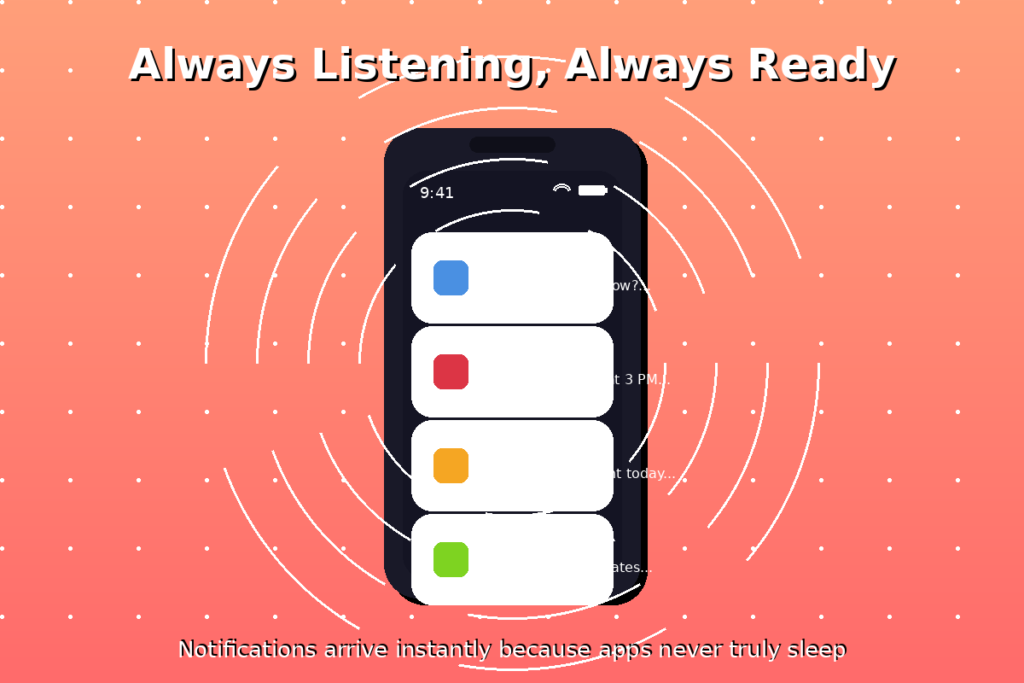
Notifications are the main reason why apps stay open in the background.
Think about how many times a day you get alerts. Messages from your friends. Work emails. Reminders for meetings. Updates from apps that are important to you. Alerts for news. Updates on package delivery. Warnings about the weather.
These all come right away because the programs that send them are running quietly in the background, linked to the internet, and waiting for new information.
There wouldn’t be any notifications if there wasn’t any background activity. Or, notifications would only show up when you launched each app by hand, which would defeat the whole point.
This is the real reason why background app activity is so important. It’s not merely for the sake of convenience. It’s all about connection. It’s important to stay in touch, stay informed, and be ready for the important times.
Should You Close Apps All the Time?
A lot of people have a habit of swiping away all their apps, closing everything, and trying to keep their phone “clean.”
It feels like cleaning up, which is good. But here’s a secret: it’s not really needed on most current phones.
Your phone is already taking care of apps that are running in the background. It’s already putting apps that aren’t being utilised to sleep. It’s already improving battery life and memory. When you constantly force-close apps, you’re likely making your phone work harder, not less. This is because the next time you open those apps, they have to start over from scratch, which takes more energy than letting them sit quietly in the background.
You shouldn’t never close apps, though. If an app is acting up—draining your energy too quickly, freezing, or being glitchy—closing it completely can help. But every day? It’s not needed.
Your phone knows what it’s doing. Believe in the manager behind the scenes.
The Invisible Activity We Rarely Notice
The way background processes run quietly, without being noticed or getting plaudits, is poetic.
They’re like all the things we can’t see that make our lives easier. The traffic lights that let you travel without stopping. The mailman who knows your route. The friend who knows what you want to drink. The parent who gets up early to provide breakfast for you.
These are the things that happen behind the scenes that help us without our always recognising.
The same goes for phone background processes. While you sleep, they sync your photos. While you’re watching a video, they download updates. They set your alarm for the morning. While you walk, they count your steps. They know where you parked your automobile.
It all happens behind the scenes, in the quiet moments between your conversations, which makes your phone feel like it’s always one step ahead, always ready, and always paying attention.
Final Thoughts
Take a moment to appreciate the work that went into making your phone vibrate with a notice, even if the screen was dark and you weren’t thinking about it.
Your phone wasn’t off. It was paying attention. Waiting. Getting ready. Running apps in the background so they would be ready when you needed them.
It’s easy to forget that speed and responsiveness are just how phones work. But they’re not magical. They come from a lot of silent processes that run all the time, like a backstage crew making sure every show goes well.
Your phone feels instant because things were already happening. What feels like it’s happening right now is typically something that never ceased moving in the first place.
And maybe that’s the bigger lesson—not just about phones, but about life in general. A lot of what seems easy is actually the product of work that you can’t see. A lot of what looks like it happened right away is really the result of careful, continual attention.
The apps that operate in the background aren’t just part of your phone. They’re a reminder that being ready takes work, being present takes time, and the best support frequently happens silently, out of sight, and always there, even when you don’t see it.
