
What Is Vibe Coding? The Easiest Way to Build Apps in 2026
Picture this: you have a great concept for an app. It may be a planner for meals, a habit tracker, or a simple tool that helps your small business keep track of bookings. You have a very clear concept in your thoughts. But then reality sets in: “I don’t know how to code.”
That was the end of the story for most people.
Not anymore.
A new approach to make software is spreading quickly, and it has a surprisingly pleasant name: vibe coding. And the crazy part? You don’t need to know how to code to give it a try.
We’ll explain what vibe coding is, how it works, who it’s for, and how you can start making your own apps right now in this article. We’ll do everything in straightforward, common English.

What Is Vibe Coding in Simple Words
The goal behind vibe coding is to make software by just telling an AI what you want in simple language and letting it turn that into a working app or program.
Imagine this: instead of learning to cook from scratch, you go into the kitchen and say, “I want a warm pasta dish with garlic and olive oil, nothing too heavy.” A good chef listens, gets your vibe, and makes it happen. You didn’t need to know how to use a knife or what temperature to cook at. You just told me what you wanted.
That’s what vibe coding does, except the “chef” is an AI and the “dish” is software.
Andrej Karpathy, a well-known AI researcher, made the word popular in early 2025. He talked of a way of programming where you “fully give in to the vibes,” allowing AI perform the hard work while you guide it with ideas and feedback.
Vibe coding means that you type something like this: “Make me a simple to-do list app where I can add tasks, check them off, and delete them.”
And the AI writes the code itself. You don’t type any brackets or semicolons. You merely chat, and the software comes to life.
Why Vibe Coding Is Becoming Popular in 2026
There was a reason why vibe coding came around. A couple key trends came together to make this moment happen.
AI got very, very good. Tools like ChatGPT, Claude, and Gemini have gotten to the stage where they can really understand natural language and write code that works the first or second time. That’s a huge jump from only a few years ago.
The no-code AI development wave struck mainstream. People who run small businesses, teach classes, or manage teams started to realize they had ideas for apps that they couldn’t afford to pay a developer to make. Vibe coding offered them a real choice.
Speed became everything. It can take weeks or months to develop a traditional app. With AI coding for beginners, you may have a functioning prototype ready in just one afternoon. That makes a big difference for solo innovators and founders who are just starting out.
Creators got interested. YouTubers, writers, instructors, and designers began to play around with AI programming tools. They didn’t want to become developers; they just had actual problems to solve. Vibe coding was precisely what they needed.
What happened? Without a computer science degree, a bootcamp, or any experience with natural language coding, millions of people are now making real apps.
How Vibe Coding Works With AI
Here’s a brief explanation of what really happens when you vibe code.
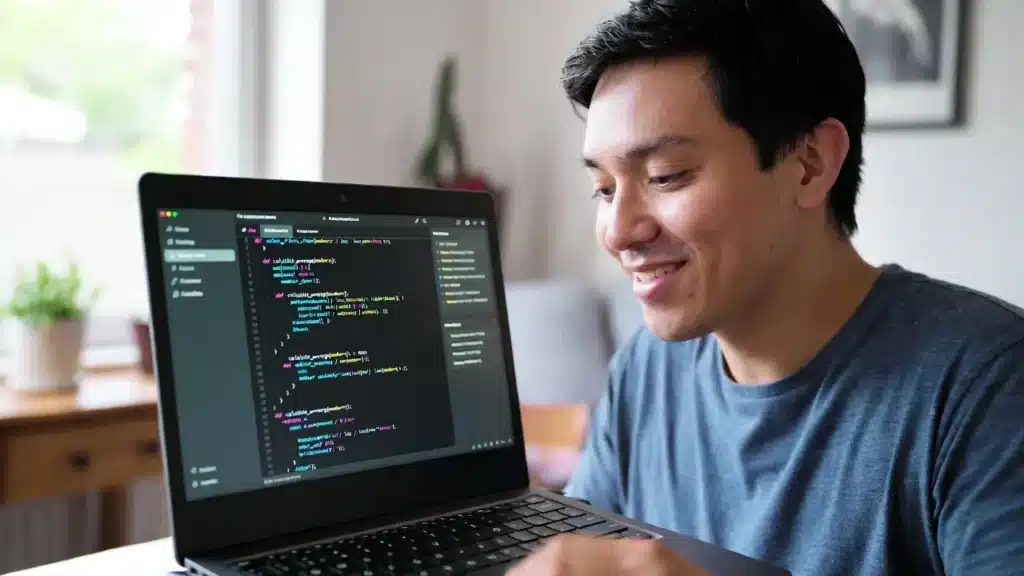
You write down what you want. The AI reads it, finds out what you want, and writes the code that will make it happen. You check the result not by reading the code, but by using what was made and indicating what you like or don’t like. Then the AI changes.
It’s a talk. A real back-and-forth.
The AI is like a developer who is always on the go and knows a lot. You are the one who has the concept and the plan. The AI is the one who knows how to do things. You work together to make something real.
Context is what sets current AI apart from older tools. These systems know what to do next. The AI recognizes which button you mean when you say, “Make the button blue.” You can say, “It’s not working on mobile,” and the layout will be fixed. The whole thing feels remarkably normal, like emailing a smart friend who just happens to be good at coding.
How Anyone Can Build Apps Using Vibe Coding
You don’t have to have a degree in computer science. You don’t need to know how to use Python or JavaScript. This is how the procedure really works in real life.
Step 1 — Describe Your Idea in Plain English
Begin with what you want. Be clear, but don’t go too far with it. Write like you’re telling a wise friend over coffee what you mean.
For instance, “I want a simple webpage where people can enter their name and email address to join my newsletter waitlist.” When they submit, send them a message that says “thank you.”
That’s your first idea. The AI will understand your vibe better if you define the end result you want more clearly. You’re not giving instructions to a machine; you’re talking to someone.
Step 2 — AI Generates the App Structure
The AI makes the code when you send in your description. You may see it happen in real time in several tools, including seeing someone type really quickly for you.
The result is a working prototype. It might not be perfect yet. The colors might not be right. One button might not work right. But the form of your concept is now actual. You can see it, click on it, and do things with it. That moment is really exhilarating, especially the first time it happens.
Step 3 — You Refine by Conversation
This is where vibe coding really shines. The AI keeps making the app better based on what you say.
You could say:
- “The font is too small on mobile.”
- “Make it possible to choose a country from a drop-down menu.”
- “Show a confetti animation when someone submits the form.”
Every message makes your app a bit better. You are not writing code; you are talking. The AI turns what you say into working updates, and you keep going until you’re happy with the results.
Examples of Vibe Coding Tools
A few AI tools have become the best places to code vibes and make AI apps. Here are the most well-known ones that you should know about.
Cursor is a code editor that is built on top of VS Code but was made from the bottom up for working with AI. You type what you want into a chat panel, and it writes or changes the code right in your files. A lot of both developers and non-developers utilize it as their main tool.
Replit Agent is one of the easiest choices for people who are just starting out. You explain what you want an app to do in simple terms, and Replit’s AI agent develops it, deploys it, and provides you a live link—all without you having to touch the code. You don’t have to install anything because it exists in the cloud.
With StackBlitz’s Bolt.new, you can describe a web app and see it build in real time in your browser. Good for making rapid prototypes when you just want to try out an idea.
Lovable (previously GPT Engineer) takes your description and makes a whole web app with a sleek, modern look. It emphasizes on building apps that not only work, but also look good.
You can do basic feel coding in a chat window using Claude, ChatGPT, and Gemini. You tell them what you want, and they write code that you can copy and paste into tools like Replit or CodeSandbox to run it.
Every one of these AI coding helpers has its own set of skills and personality. Try a few and see which one you like best.
Benefits of Vibe Coding for Beginners
Vibe coding is more than just “cool” to look at. There are actual, useful benefits that are important.
The most important thing is accessibility. Building software doesn’t take years of study for the first time in history. You can construct your idea if you can explain it clearly. That lets instructors, business owners, artists, and anybody else with a creative problem to solve in, not just people who went to coding school.
Speed is life-changing. A prototype that used to take a professional developer days to make can now be made in an hour. You may test your company concept quickly and for free before you even know if it works.
It lets you be creative. A lot of individuals gave up on their “I want to build an app” idea because they thought coding was too hard. Vibe coding takes that barriers down completely. Now, the only thing that can stop you is your creativity, not your technical skills.
Learning happens on its own. You can start to understand patterns even if you never read the code. You will know what a “database” is, what “deployment” performs, and why responsiveness is important after a few sessions. You learn by doing things, not by reading a book.
The limits of vibe coding
It’s important to be honest here. Vibe coding is powerful, but it’s not magic. Not yet, anyhow.
Complex systems are still hard. You can’t just vibe code to make something like Uber or a banking app. Large systems need thorough design for architecture, security, and expert supervision. AI can help, but you still need people who know what they’re doing at that level.
Debugging can be hard. It’s hard to describe exactly what the problem is to the AI when anything goes wrong and you don’t know how to fix it. Sometimes, talking about a problem won’t help you cure it and may just make things worse.
You lose some control. You don’t always know exactly how the AI code works when it writes it. That’s OK for a personal project. If something goes wrong with software that thousands of people use, it might be dangerous if no developer can figure it out.
Quality isn’t always up to par with professionals. AI-generated code works, but a more experienced developer might write it more clearly or efficiently. This doesn’t important for most personal and small company tasks. It’s something to think about for big production software.
The Future of Vibe Coding and AI App Creation
We’re at the start of something really important.
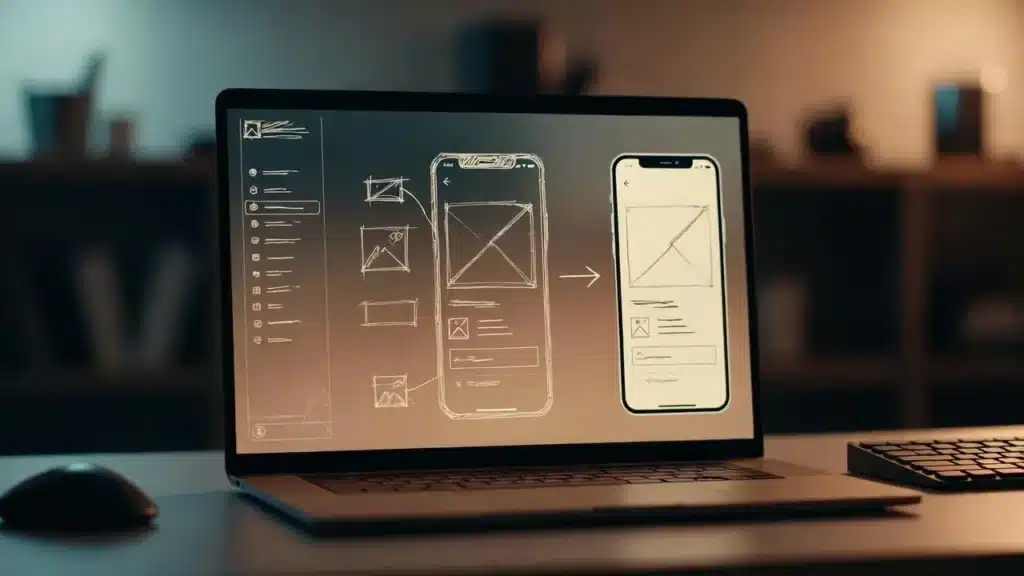
Vibe coding will get better as AI gets better. The time between “I have an idea” and “I have a working app” will keep getting shorter. Not only will future tools comprehend what you say, but they’ll also know your tastes, your brand style, and even your target audience. This will make the whole thing feel even more like a creative collaboration.
More crucially, the phrase “building software” is changing. It will be entirely usual for those who don’t code to use AI to help them make apps. Not every project will need a separate engineer on the team. A designer with a clear idea will be able to make their own prototype. A teacher will be able to make a tool for their own classroom.
AI won’t take the place of smart programmers. It will make outstanding thinking even stronger. People that can think clearly, make solid decisions, and work with AI will be able to produce things faster and better than anybody else.
Vibe coding is not a quick fix. It’s a big change in who gets to develop, and that change is already well on its way.
Frequently Asked Questions
What does vibe coding mean?
Vibe coding lets you make apps and software by saying what you want in simple English. You don’t have to write code yourself; an AI takes your instructions and makes the code that works for you. It’s like talking to someone to make things real.
Is vibe coding easy enough for total beginners?
Yes, for sure. Vibe coding was made to be easy for novices. You can start developing as long as you can explain your idea adequately. You don’t need any programming experience at all.
Do you need to know how to code to vibe code?
Not at all; that’s the whole point. You talk about your idea in plain English, and the AI takes care of all the technical details. You might naturally learn some things over time, but you don’t need to know any of that to get started.
Is vibe coding taking the place of developers?
Not in the near future. Vibe coding is great for simple apps, prototypes, and personal projects. Professional developers are still needed for software that is complicated, big, or needs to be secure. People who work with AI should think of it as a tool that makes developers more powerful, not as a tool that takes their place.
What tools help with vibe coding?
Cursor, Replit Agent, Bolt.new, Lovable, and typical AI chat tools like Claude, ChatGPT, and Gemini are some of the most popular vibe coding tools right now. It’s a good idea to try a few of them out to see which one works best for you.
Conclusion
Vibe coding is the technique to get over that block if you’ve ever had an app concept but thought you couldn’t code it.
You don’t have to know how to code. You don’t have to pay for a bootcamp or hire a developer before you even know if your idea will succeed. Simply tell AI what you want in clear, simple English and let it perform what it does best.
Your idea is more important than how you write it. Your ability to think beyond the box is more important than your technical skills. Vibe coding makes things possible in a way that wasn’t possible a few years ago.
If you’ve been thinking about an idea for a while, now is a fantastic moment to open one of these tools and get started. Write down your concept as if you were telling a wise friend about it. Look at what the AI makes. Then keep talking.
You might be shocked at how far your words can go.
