
Why Phones Slow Down Over Time (And What You Can Actually Do About It)
*You bought it new. It was quick, fluid, and almost like magic. Two years later, you have to wait for a loading spinner to launch Instagram. What happened?
It’s a Sunday morning. You pick up your phone to snap a quick picture of your meal before it becomes cold. You touch on the camera app. Nothing. Then a break. Finally, it opens, but only after the light has shifted and the moment is gone.
Does this sound familiar?
Almost everyone who has had a phone for more than a year has been there. And what’s the most annoying part? You didn’t do anything wrong. You didn’t erase something vital or drop it in water. It only grew slower. By itself. Slowly. Over time.
This happens to all phones, whether they are Android or iPhone, cheap or expensive. And no, it’s not always the firm attempting to get you to buy a new one behind your back (more on that later). There are legitimate, easy-to-understand reasons why phones get slower over time. Once you know what they are, you’ll also know exactly how to solve it or at least slow it down.
Let’s get to it, like two buddies having coffee.
Why New Phones Feel So Fast
When you first get your phone, it’s like it’s on an empty track. It doesn’t have anything on it. No photos taking up space, no apps running in the background, and no years of cache files piling up. At that moment, the operating system and hardware work seamlessly together.
It’s like a new backpack. It’s light, clean, and very easy to carry on the first day. As time goes by, you fill it with textbooks, snacks, chargers, workout clothing, and receipts from three months ago. The bag didn’t get weaker; it just grew heavier. That’s your cell phone.
The processor, RAM, and storage within stay the same. But everything around it changes, and that’s when the slowdown starts.
What Actually Happens Inside Your Phone Over Time
Your phone is like a small computer, and like any computer, its performance depends on how well it balances resources (such processing speed, RAM, and storage space) with demand (like apps, data, and system operations).
When that equilibrium shifts, things get slow. This happens when demand keeps going up but resources stay the same. And in the end, demand nearly always triumphs. Step by step, here’s how.
Storage: The Biggest Hidden Reason Your Phone Is Getting Slower
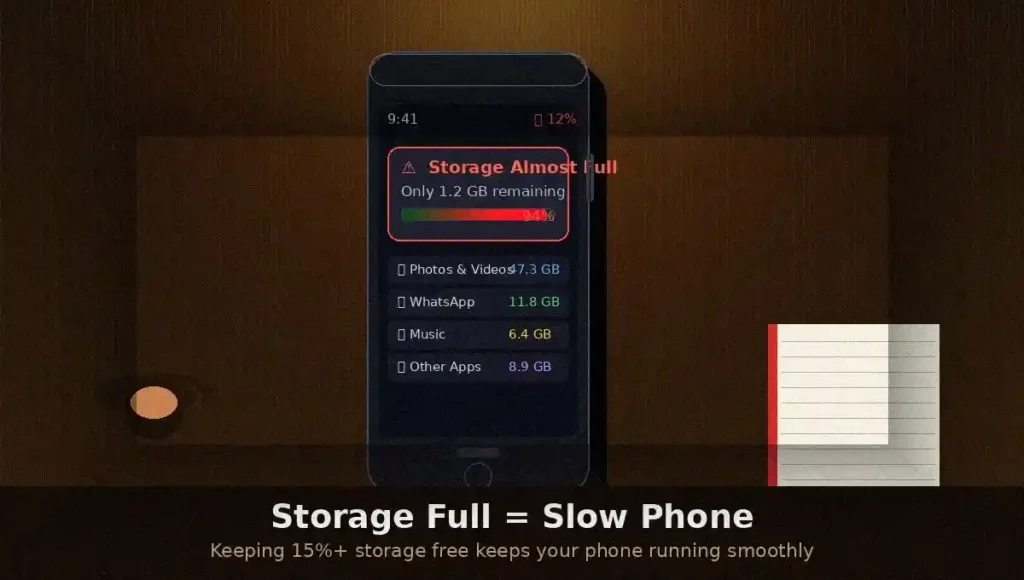
A lot of people are surprised by this. Most people know that getting a “storage full” message is terrible, but they don’t know that the slowness starts well before you reach 100%.
Here’s what really happens: your phone uses some of its internal storage as a temporary workspace, almost like a scratch pad where it processes things as they come in. There’s no room for the scratch pad when your storage is full or almost full. So the system has to deal with everything at once, which slows things down.
Most techies follow this rule of thumb: always have at least 10–15% of your storage space free. That’s about 13 to 20GB of extra space on a 128GB phone.
And what fills up storage space without you even knowing it?
- Pictures and movies, especially the 4K clips from last year’s trip that you never watched again.
- App data that slowly builds up over time
- WhatsApp media—this one is huge
- Files and papers you downloaded that you forgot about
- Old backups using up space
The first thing you should do when your phone’s storage is full and it’s getting slower is clear it up. Honestly, it can seem like buying a new phone.
Background Apps and Memory Load — The Silent Performance Killers
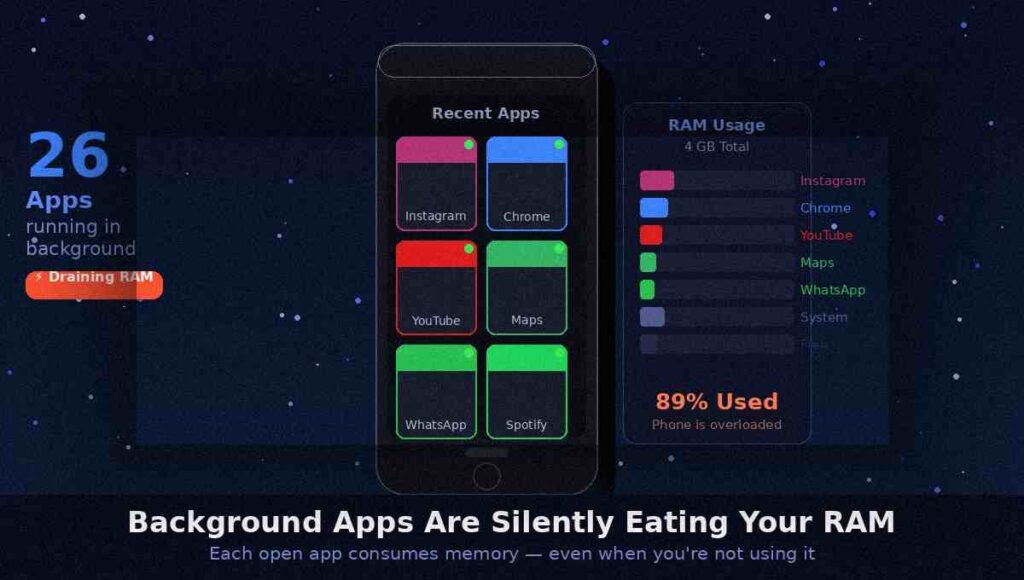
Here’s something that most people don’t think about: your phone probably has 15 to 30 apps running in the background right now while you read this.
Some of them are really useful, like maps that keep track of where you are, music apps that are always ready to play, and messaging apps that are always ready to receive new messages. But a lot of them? They’re just sitting there, using your RAM and battery, and not doing anything useful.
Your phone uses random access memory (RAM) to keep apps “ready” so you don’t have to wait for them to load from scratch every time. As apps get bigger and heavier with updates, your phone has a harder time keeping things running smoothly when your RAM is full.
So what happened? Apps that run in the background make your computer slow down, freeze, and make you wait half a second every time you want to do something.
What you can do: Close apps that you aren’t using often, especially ones that refresh in the background. On Android, you can limit background activity for apps that don’t need it by going to the app settings. You can see which apps are utilizing the most background resources on your iPhone by going to Settings > Privacy > Location Services or Battery Settings.
The Truth About Software Updates and Hardware Age
This is when things become a bit tricky and a bit controversial.
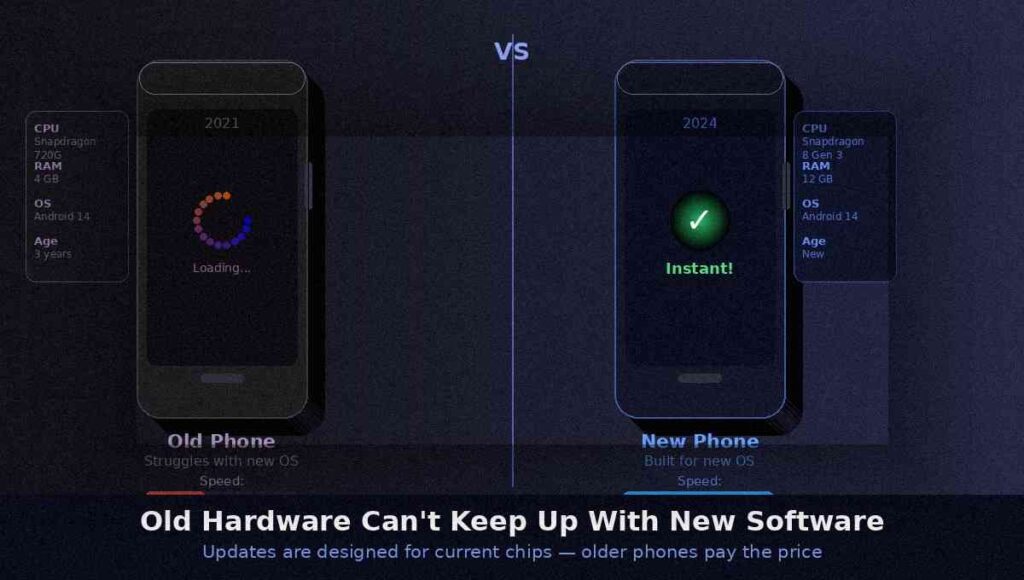
Google and Apple both put out big improvements to their operating systems every year. These upgrades add new features, fix security holes, and make things better. But they are also made to work with current hardware. When you put a 2024 software update on a phone that was made for 2021 hardware, you’re making an older engine run a newer, bigger program.
It’s like asking a laptop from 2010 to run the newest version of Photoshop without any problems. It might work in theory. But it won’t be nice.
This is why old phones slow down after software updates: not usually because the update is terrible, but because the hardware starts to reveal its age. The CPU can’t handle the new tasks as well as it used to. Things that used to take milliseconds now take significant fractions of a second, and those add up.
Apple and Google do strive to make updates work better on older devices, to be fair. But when the processor is really a few generations behind, optimization can only do so much.
Battery Health and Phone Speed — Yes, They’re Connected
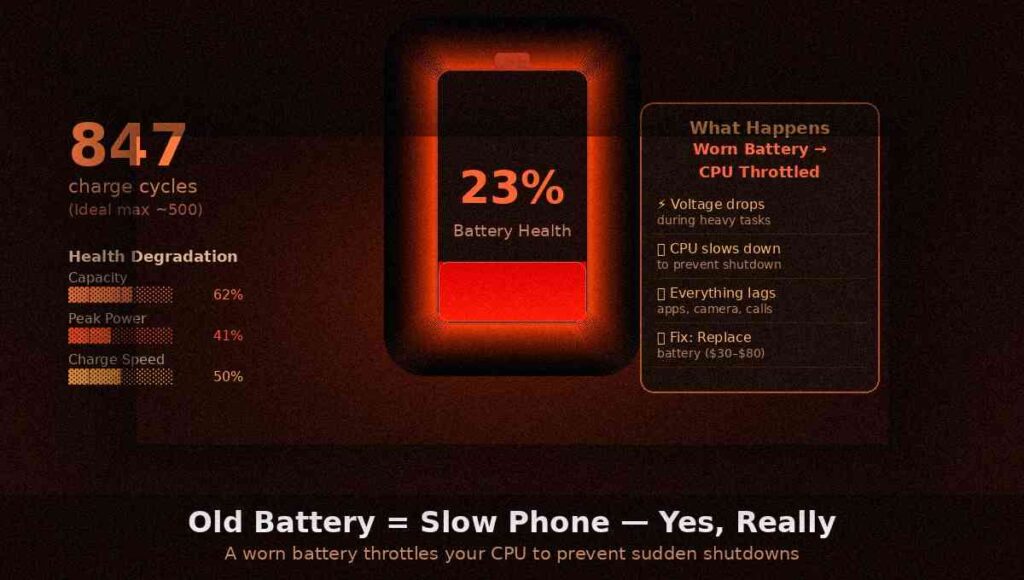
A lot of people were shocked when Apple openly admitted this in 2017: a worn-out battery can directly make your phone slower.
Here’s why. Lithium-ion batteries, which are in every smartphone, lose power over time. They get a little bit weaker with each charge cycle. Your battery’s capacity and power delivery start to diminish dramatically after 500 to 800 charge cycles, which is around 1.5 to 2 years if you charge it every day.
If a battery can’t keep up with the phone’s processor, it is purposely slowed down to stop sudden shutdowns. This is especially true when the phone is doing demanding tasks. It’s not sabotage; it’s a way to keep people safe. The user, on the other hand, feels that their phone is slow and sluggish, especially when they are doing things like playing games, making video calls, or opening heavy apps.
To check it on an iPhone, click to Settings > Battery > Battery Health. You really start to feel the difference when it’s less than 80%. The methods are different for each model of Android, but apps like AccuBattery can help you understand what’s going on.
The solution: Change the battery. It costs between $30 to $80, depending on the model of your phone, and it can really feel like a new phone after that. A lot less expensive than updating.
Cache Files and Temporary Data — The Digital Dust Bunnies
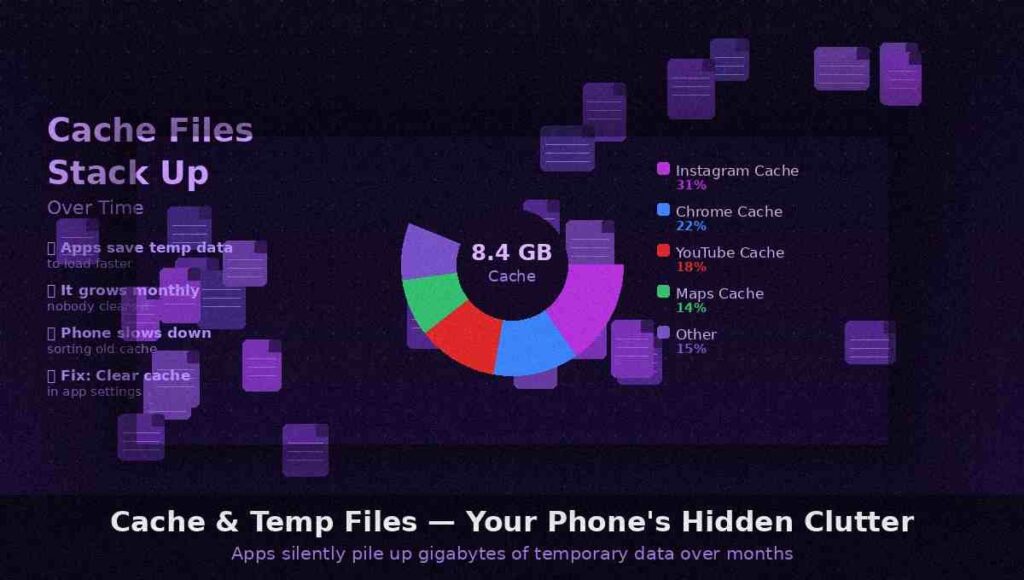
When you use an app on your phone, it makes “cache,” which are temporary files that help the program load faster the next time you use it. Your browser keeps images from websites so it doesn’t have to download them again. Instagram keeps thumbnails. Maps keeps map tiles safe.
In theory, this is a good idea. In real life, this cache grows into gigabytes of data over months and years, which your phone has to regularly go through. It’s like having a very neat desk that progressively got covered with old printouts, sticky notes, and napkins with coffee stains on them.
Cleaning up your app cache won’t delete your vital data; it merely gets rid of the digital dust that has built up over time. You may erase the cache for each app on Android by going to Settings > Apps. When you clean the cache on your iPhone, you normally have to delete the app and then install it again (yeah, we know it’s annoying).
The Myth of Planned Obsolescence—Let’s Be Honest About This
A lot of people believe that phone companies deliberately slow down older phones to get you buy a new one. It’s a great conspiracy, and to be fair, the Apple 2017 battery throttling issue really added to the fire.
But here’s a more honest answer: planned obsolescence is real in some aspects, but not in the sense most people think.
After 3 to 5 years, phone providers stop giving software updates for outdated phones. They do make sure that their newest apps work best on the newest hardware. They do make it hard to fix your own gadget. These things are real, and it’s okay to criticize them.
But placing a timer in the code on purpose to slow down your phone on a certain day? That’s not how it truly works. The slowing is primarily due to the fact that more software is needed and older technology is getting older. This would happen even if there was no business reason for it.
The truth is convoluted and boring: capitalism has made it so that new things are always better, and there is a real reason to make you upgrade, even if the manner they do it isn’t as bad as “they secretly slowed it down.”
How to Make Your Phone Fast Again — Practical Stuff That Actually Works
Okay, that’s enough theory. What you can really do right now is:
1. Make room on your phone. Back up your images with Google images or iCloud, uninstall apps you haven’t used in months, and get rid of WhatsApp media. Try to leave at least 15% of the space empty.
2. erase your cache. On Android, go through each app and erase the cache for the larger ones. On an iPhone, erase and reinstall the apps that cause the most problems, which are mainly browsers and social media apps.
3. Limit background app activity. Limit the number of apps that can refresh in the background. You can find this in your battery or app settings on both Android and iPhone.
4. Restart your phone often. It seems obvious, yet a lot of people don’t do it for weeks. A new reset clears the RAM and starts your phone over from scratch. A habit of once a week is good.
5. Check the health of your battery. If it’s less than 80%, you should think about getting a new one. It’s one of the repairs that gives you the most bang for your buck.
6. On Android, turn off animations. You can lower or turn off animation scales in the Developer Options menu. Your phone will feel faster right away, which is a big difference.
7. Factory reset as a last resort. If nothing else works, a full factory reset is like starting over from scratch. Backup everything first.
When It’s Actually Time to Upgrade
The honest explanation is that the phone has lived a full life. If your phone is more than 4–5 years old, isn’t getting security updates anymore, and a factory reset doesn’t make it faster, it could really be time to get a new one.
But here’s the thing: a lot of folks upgrade too soon, before they try the changes above. A new battery, a clean storage space, and a fresh reset can give a phone that felt almost dead 1 to 2 more years of good life.
First, try the fixes. You might be shocked.
The Bottom Line
As time goes on, your phone gets slower because the world around it keeps moving forward, but its hardware stays the same. More data, bigger programs, an older battery, and digital junk that builds up all add up. It’s not magic, it’s not a plot, it’s simply… time.
The good news is that a lot of it can be fixed. And knowing why it happens lets you stay ahead of it, keep your phone healthy longer, and make better choices about when and if to update.
Now, clear that cache. Your phone will be grateful.
Did you find this helpful? Give it to someone who has been grumbling about how slow their phone is. Could save them a few hundred dollars.
